Introduction
Cybersecurity has become a critical priority for UK businesses in 2026. With increasing cyber threats, ransomware attacks, and data breaches, organisations are expected to demonstrate strong and reliable security controls.
One of the most widely recognised UK government-backed standards is Cyber Essentials Certification, designed to help businesses protect themselves against common cyber risks.
However, many organisations struggle not because the requirements are complex, but because they lack a clear, structured checklist.
This guide provides a complete and practical Cyber Essentials Certification Checklist for 2026, helping UK businesses prepare step-by-step for successful certification.
If you are also learning about the Cyber Essentials Plus Requirements Checklist, you can read our related guide:
Cyber Essentials Plus Requirements Checklist 2026 in the UK

What is Cyber Essentials Certification?
It is a UK government-backed cybersecurity scheme developed by the National Cyber Security Centre (NCSC) that helps organisations defend against the most common online threats, such as phishing, malware, and unauthorised access.
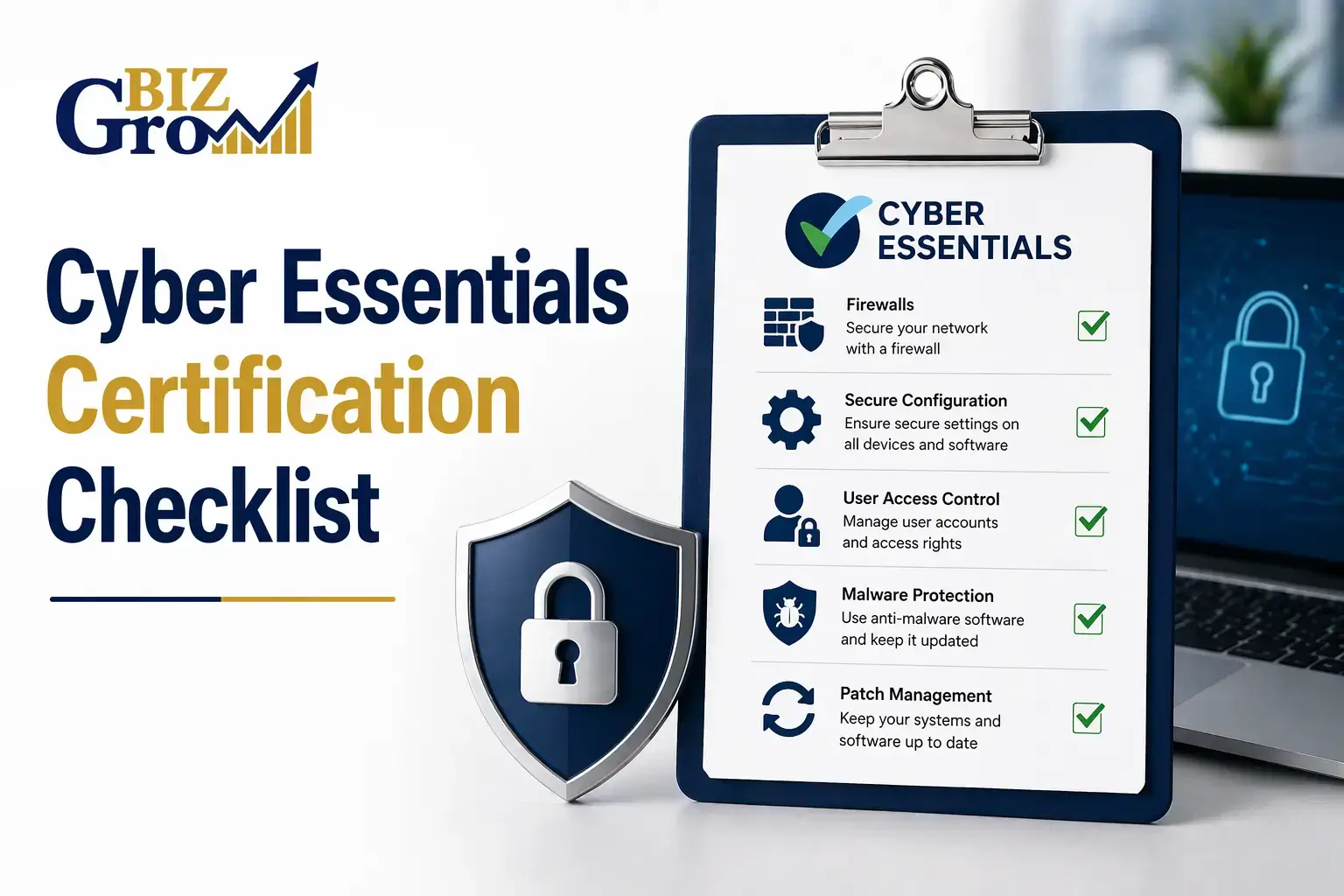
And it is based on five key technical controls that form the foundation of good cyber hygiene.
Certification Levels:
- Cyber Essentials: Self-assessment-based certification
- Cyber Essentials Plus: Includes independent technical testing and verification.
Why its Matters in 2026?
In 2026, cybersecurity compliance is no longer optional for UK businesses. It is essential for growth, trust, and competitiveness.
Key benefits include:
- Required for many UK government contracts
- Increased trust from clients and partners
- Protection against common cyber attacks
- Improved tender (PQQ) success rates
- Stronger overall security posture
Businesses without proper certification risk losing opportunities in competitive markets.
Cyber Essentials Certification Checklist
1. Firewalls & Network Security
Firewalls protect your systems from unauthorised access and malicious traffic.
Checklist:
- Firewalls are enabled on all devices and networks
- Default passwords changed on routers and firewalls
- Unnecessary inbound connections blocked
- Firewall rules are documented and reviewed regularly
- Remote administration is restricted to trusted IPs
- Personal firewalls are enabled on all work devices
2. Secure Configuration
Secure configuration ensures devices and software are hardened before use.
Checklist:
- Default usernames and passwords removed
- Unused software and applications are uninstalled
- Guest accounts disabled
- Auto-run features disabled
- Admin rights restricted to essential users
- Secure baseline configuration applied to all systems
3. User Access Control
Access control ensures only authorised users can access systems.
Checklist:
- Unique user accounts for all employees
- Strong password policies enforced
- Multi-Factor Authentication (MFA) enabled
- Admin accounts are separated from standard accounts
- Access is removed immediately when staff leave
- Regular access reviews are conducted
4. Malware Protection
Protecting systems from viruses and malicious software is essential.
Checklist:
- Anti-malware software is installed on all devices
- Real-time scanning enabled
- Automatic updates activated
- Email and web filtering enabled
- External devices are controlled or restricted
- Security tools cannot be disabled by users
5. Patch Management (Software Updates)
Keeping systems updated reduces vulnerabilities significantly.
Checklist:
- All software is licensed and supported
- Critical updates applied within 14 days
- Automatic updates are enabled where possible
- Unsupported software removed
- The patch management process is documented
- Mobile devices are included in the update policy
Scope Definition
Defining scope correctly is essential for certification success.
Checklist:
- All in-scope devices are clearly identified
- Cloud services included (Microsoft 365, AWS, etc.)
- BYOD devices are considered and controlled
- Third-party systems assessed
- The scope statement is documented clearly
Documentation Requirements
Proper documentation is required for assessment approval.
Checklist:
- Information security policy in place
- Asset register maintained
- Access control policy documented
- Patch management logs available
- Firewall rules documented
- User onboarding/offboarding process defined
Cyber Essentials Plus Requirements
It includes additional technical verification:
- External vulnerability scans
- Internal system testing
- Malware protection verification
- MFA validation checks
- User account sampling
This level is preferred for government and high-value contracts.
Common Reasons Businesses Fail
- Default passwords not changed
- No MFA enabled
- Outdated software systems
- Missing patch management process
- Poor documentation
- Active leaver accounts
How Long Does Certification Take?
- Basic Cyber Essentials: 2–7 days
- Cyber Essentials Plus: 1–3 weeks
Time depends on readiness and system condition.
Who Needs Cyber Essentials in the UK?
- Security companies
- Construction businesses
- IT service providers
- Government contractors
- Any business handling sensitive data
It is often required for public sector contracts.
Benefits of Cyber Essentials Certification
- Increased business trust
- Access to government contracts
- Reduced cyber risk exposure
- Higher tender success rates
- Stronger compliance reputation
How BizGrow Holdings Helps?
BizGrow Holdings supports UK businesses in achieving:
- Cyber Essentials Certification
- Cyber Essentials Plus
- ISO Certifications
- CHAS & SSIP Compliance
We simplify the entire compliance process and help businesses get certified efficiently.
Frequently Asked Questions
1. What is Cyber Essentials Certification?
It is a UK government-backed scheme designed to help organisations protect themselves from common cyber threats and focuses on five essential security controls, including firewalls, access management, malware protection, and system updates.
2. Is Cyber Essentials Certification mandatory in the UK?
It is not legally mandatory for all businesses in the UK. However, it is required for many government contracts and public sector suppliers. Increasingly, private sector clients also request it as part of supplier approval. Even when not mandatory, it is strongly recommended for improving security and business credibility.
3. What is the difference between Cyber Essentials and Cyber Essentials Plus?
It is a self-assessment certification where businesses confirm they meet security requirements. Cyber Essentials Plus includes an independent technical audit with real system testing. While both improve security, Plus provides a higher level of assurance and is often required for government and enterprise contracts.
Conclusion
Cyber Essentials Certification is essential for UK businesses in 2026 to stay secure, competitive, and compliant. It is not just a checklist but a structured approach to improving cybersecurity resilience.
By following this Checklist, organisations can reduce risks, improve trust, and increase their chances of winning contracts in a highly competitive market. If you need expert support, BizGrow Holdings is here to guide you through every step of the certification process.